Update to version 2.1.59
Starting with version 2.1.59, the Web Widget has a refreshed look and more flexibility, giving you more control over how tickets and the knowledge base are displayed.
Before you get started, make sure your site is updated to the latest version. Check our documentation on how to update your HelpDesk site to get these improvements and other new features.
Ticket feature settings
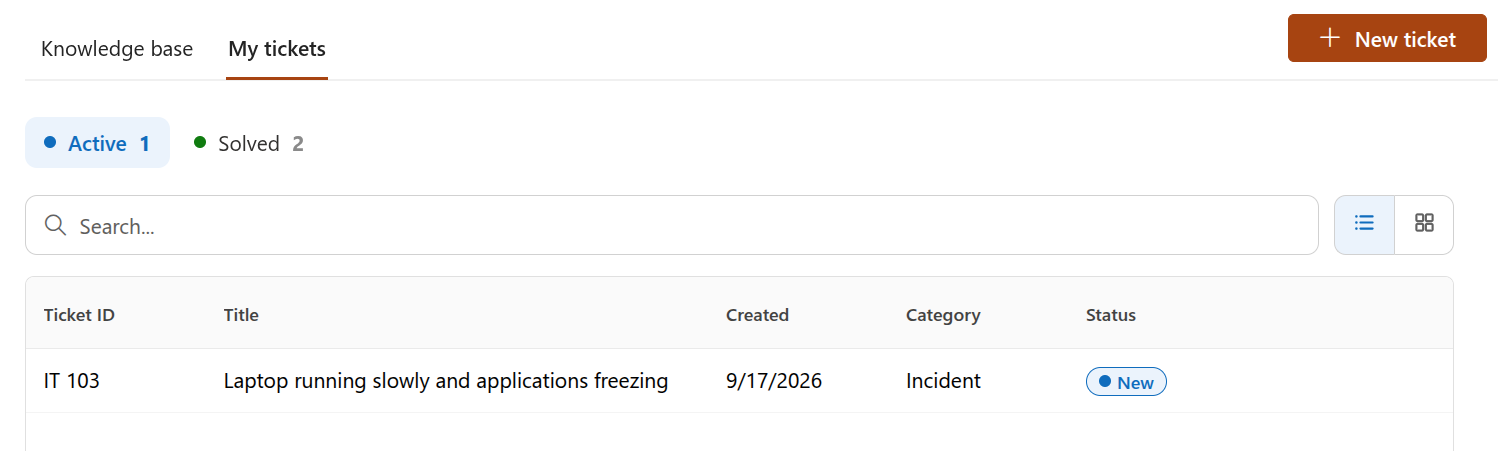
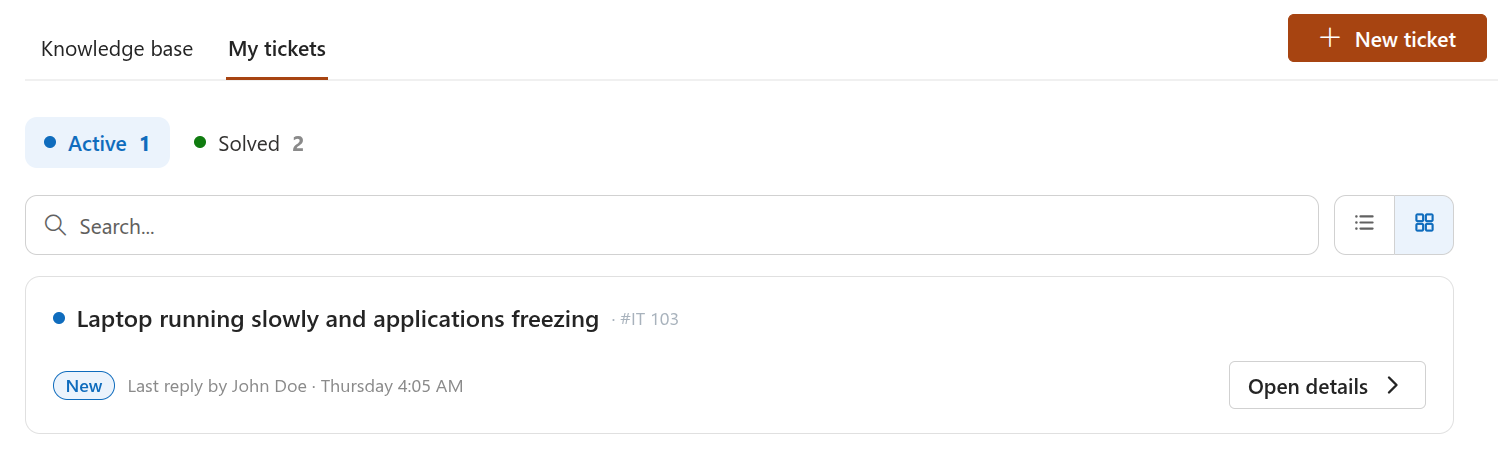
The ticket feature now allows you to choose how tickets are displayed in the widget. You can choose between two types:
List
Card
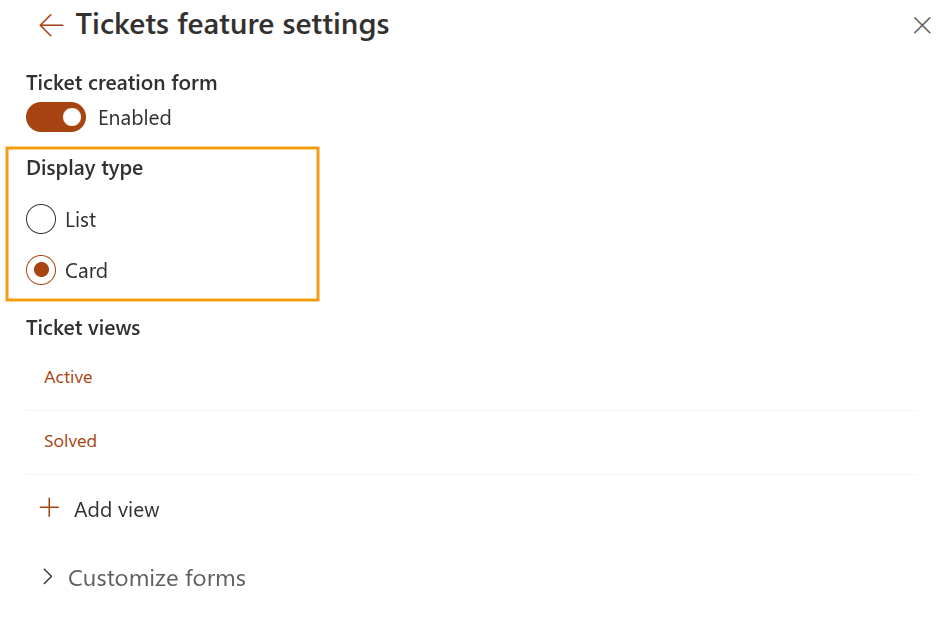
Just select the type that works best for your users in the widget settings:
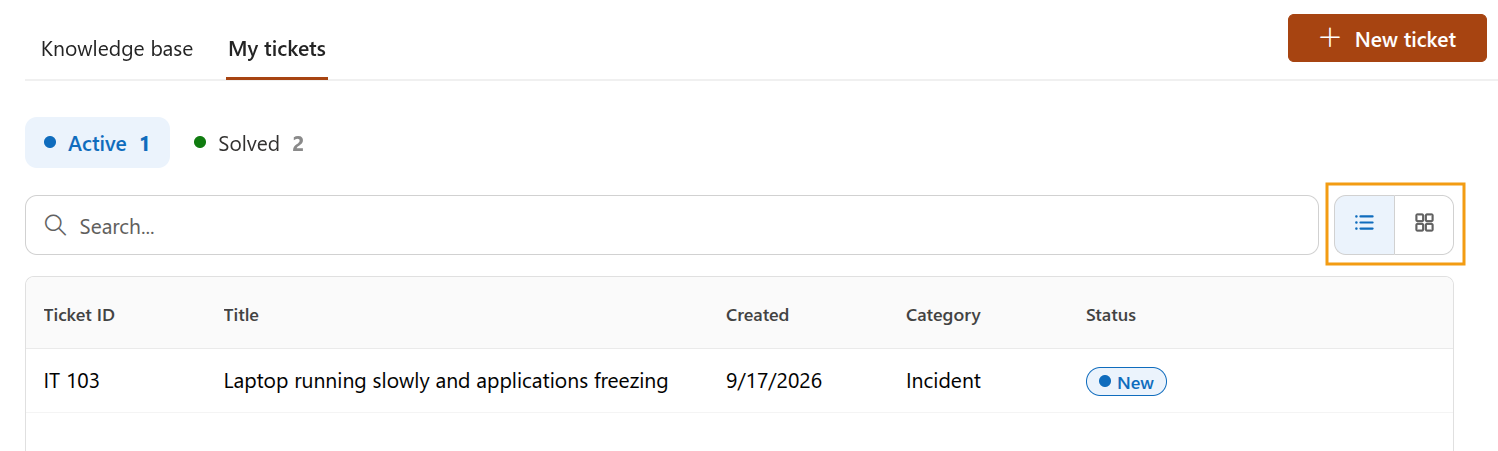
Your team can also switch between options directly from the widget and change the way they view tickets whenever they need to.
Ticket views
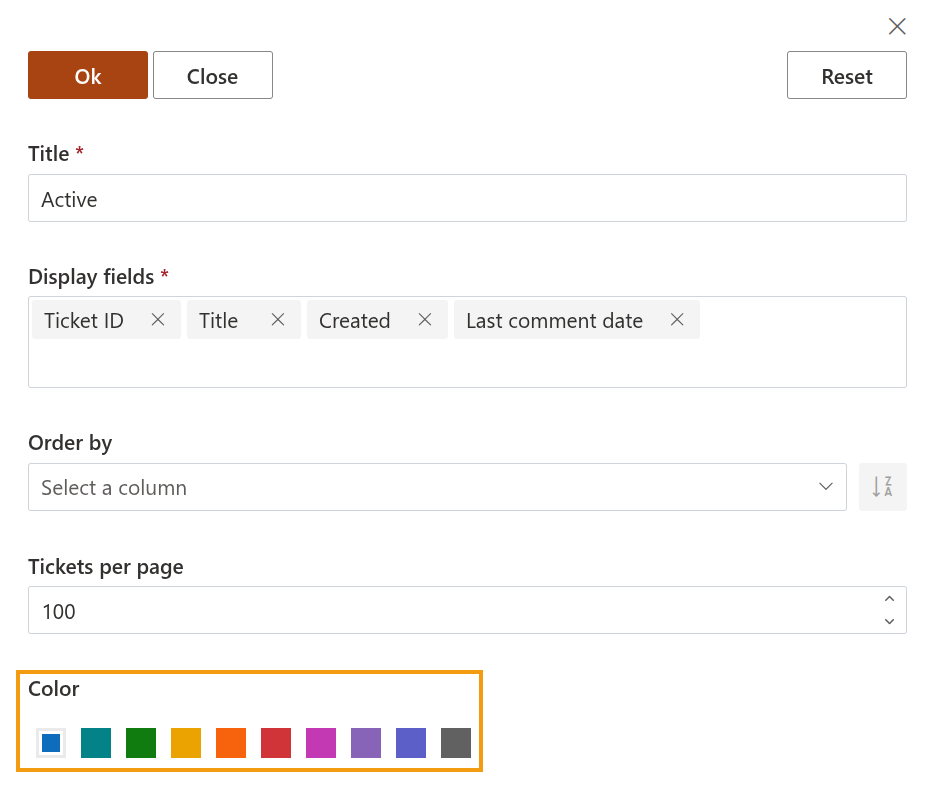
Use colors to make different ticket views easier to recognize for your team.
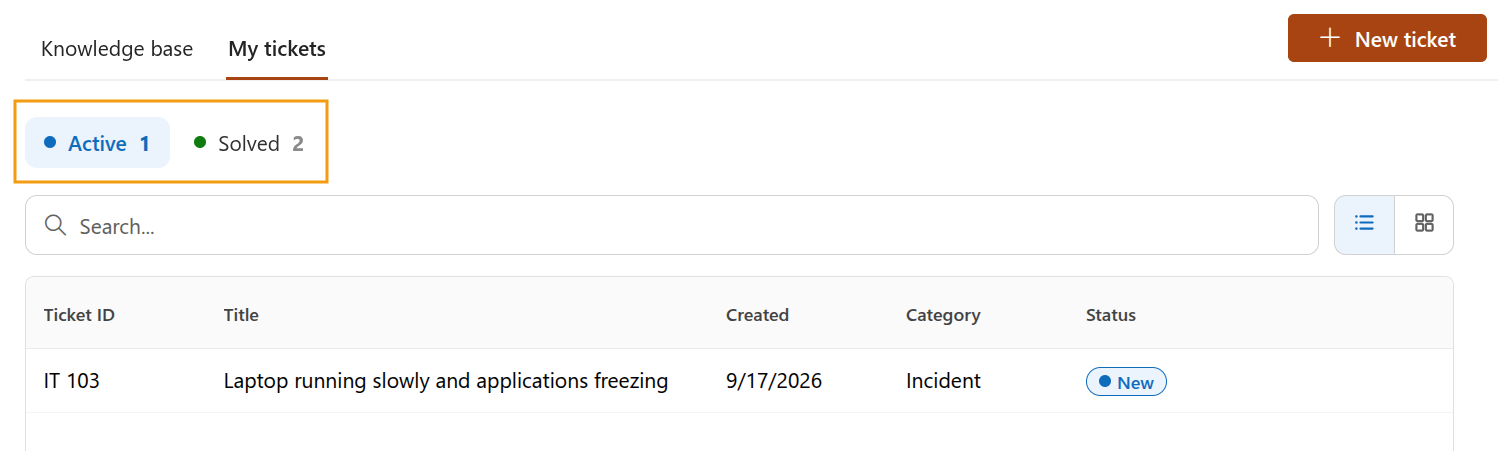
By default, new views are assigned a predefined color, but you can change it when configuring the view:
Create new ticket
You can control whether users can create new tickets directly from the widget using the Ticket creation form option:
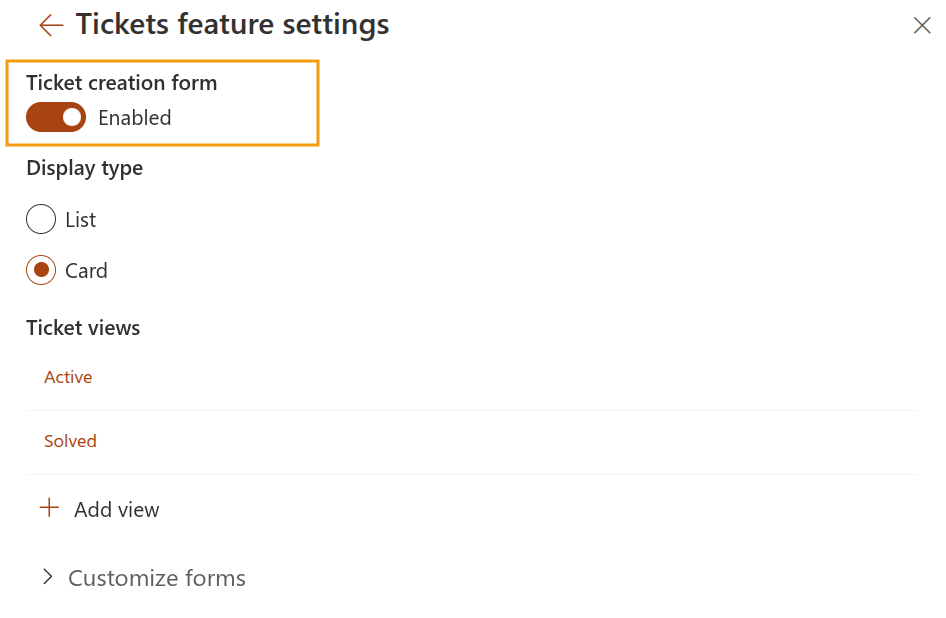
When enabled, users will see the option to create a new ticket in the top-left corner of the widget:
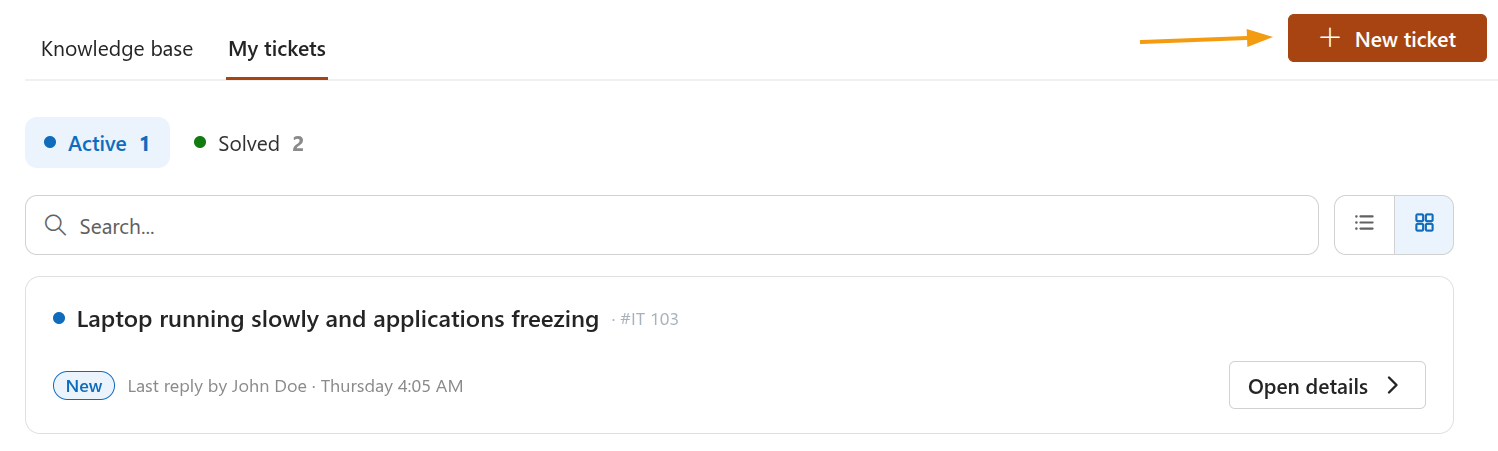
Search box
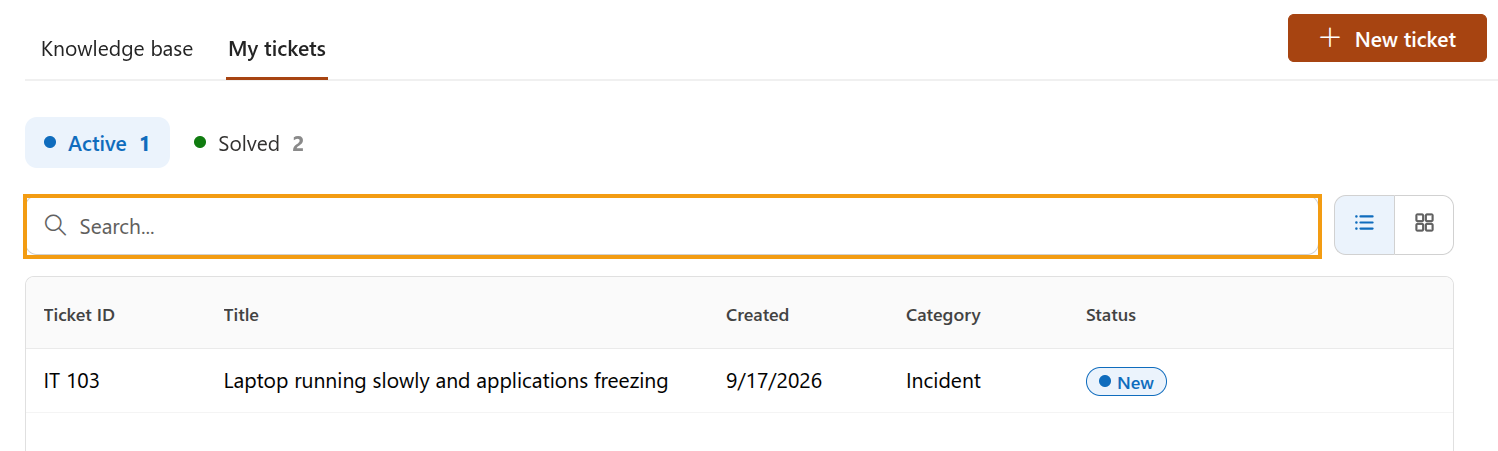
Both the My tickets and Knowledge base tabs now include a search box, making it easier to find the content you need.
Use the search box to find tickets by title or knowledge base articles by title or content.
Learn more about the Web Widget and its configuration options in our documentation.